v1: AI input
Clarification-first
Upfront questions to improve accuracy. Felt slow and friction-heavy.

Case study · Mobile app
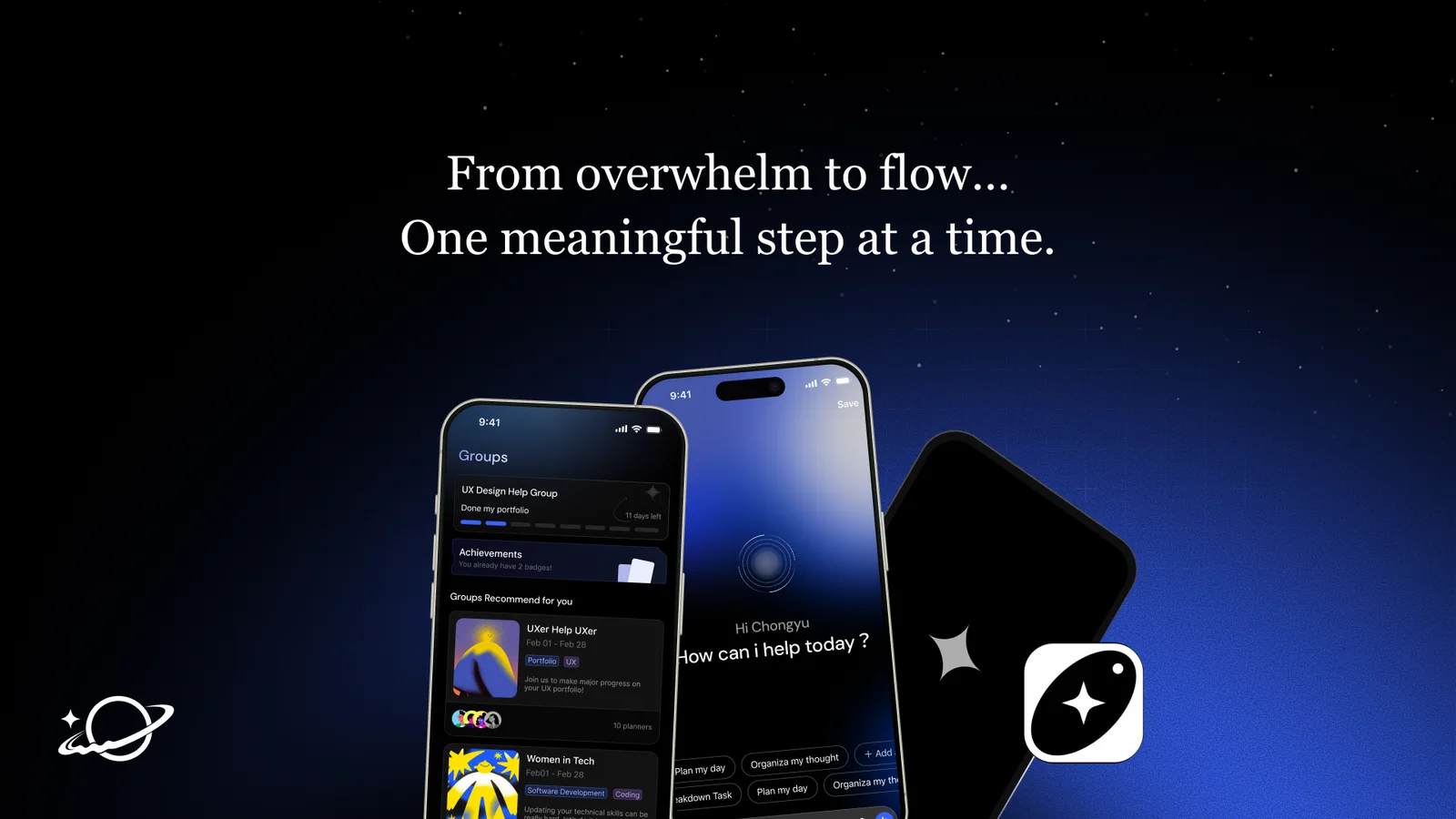
Most focus apps make you feel guilty when you fail. We asked: what if they helped you recover instead?
The Problem
Struggling to focus isn’t about laziness, it’s about living in a world designed to steal your attention. And when you turn to productivity apps for help, the existing tools often make it worse: they assume stable energy, punish missed days, and pile on planning overhead before you’ve even started.
We started this project grounded in cognitive science, specifically, how sustained attention has a natural ceiling (~10 minutes), how multitasking is physiologically impossible, and how effective design should work with the brain’s rhythms, not against them.
Research
We triangulated four methods: desk research into cognitive and behavioral science, a competitive audit of 8+ focus apps, a survey of 129 users, and in-depth user interviews.
“The rules are too rigid. If I miss just one day and lose my progress, I completely lose the motivation to keep going.”
Control-based tools (Freedom, Opal, Forest) block distractions but feel restrictive over time and break under stress.
Planning-heavy tools (Todoist, TickTick) increase cognitive load and starting friction, exactly the wrong response when someone is already overwhelmed.
Gamified / streak-based tools (Habitica, Streaks) use loss-aversion logic that punishes lapses, reducing long-term engagement.
Insight 1
Multitasking triggers overwhelm, clarity enables action.
Answered by task breakdown
Insight 2
Manual tracking creates friction, and becomes the reason people quit.
Answered by smart input
Insight 3
Community reduces isolation, and strengthens follow-through.
Answered by smart matching & co-focus
People don’t fail to focus because they lack motivation. They fail because multitasking overwhelms them, manual tracking adds burden, and they’re trying to stay consistent alone.
Help overwhelmed users move from multitasking to momentum, by guiding them through one clear next step, with quiet community presence and minimal manual effort?
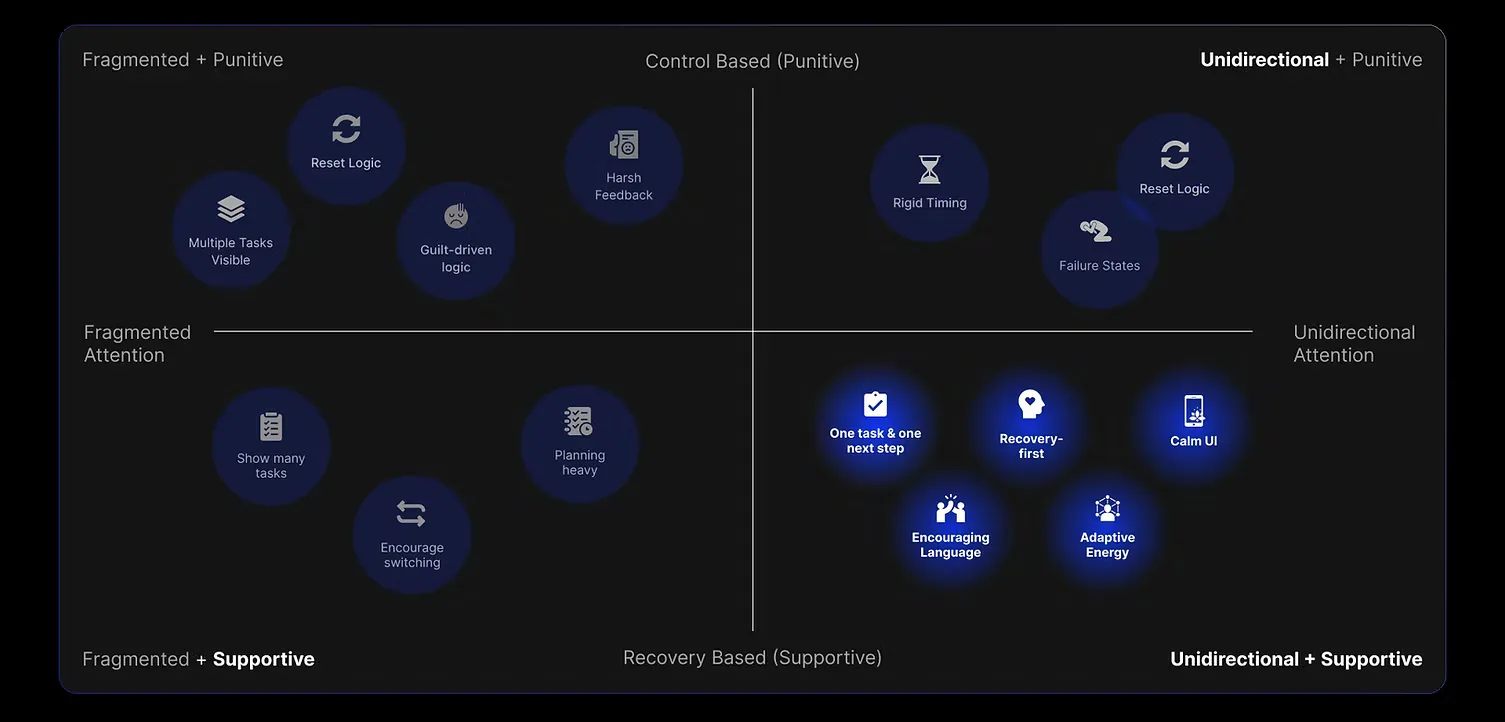
The Solution
After 150+ wireframes and multiple rounds of moodboarding, we landed on seven core features built around three value propositions:
Fewer decisions, less friction before you start.
Functions 1–2 →Co-presence and adaptive guidance instead of isolation.
Functions 3–4 →No punishment for stopping. Recovery is part of the system.
Functions 5–7 →Jump to a feature
Function 1
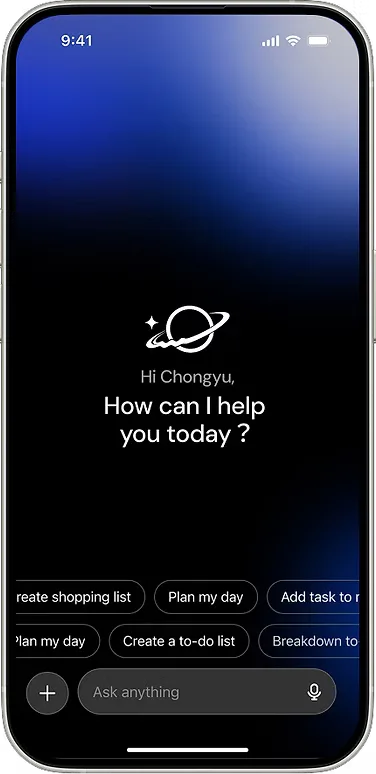
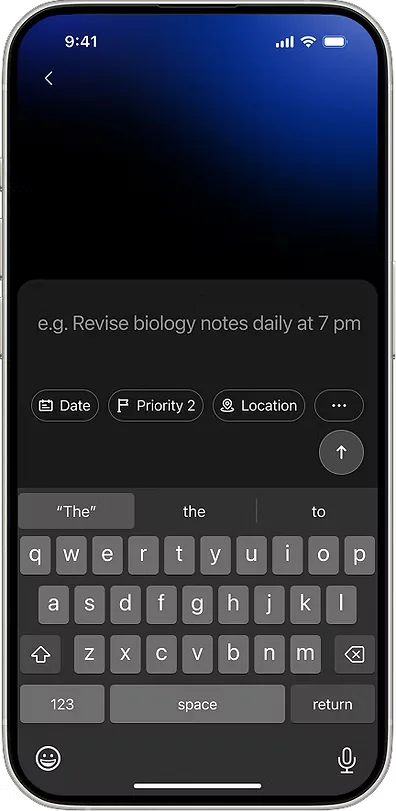
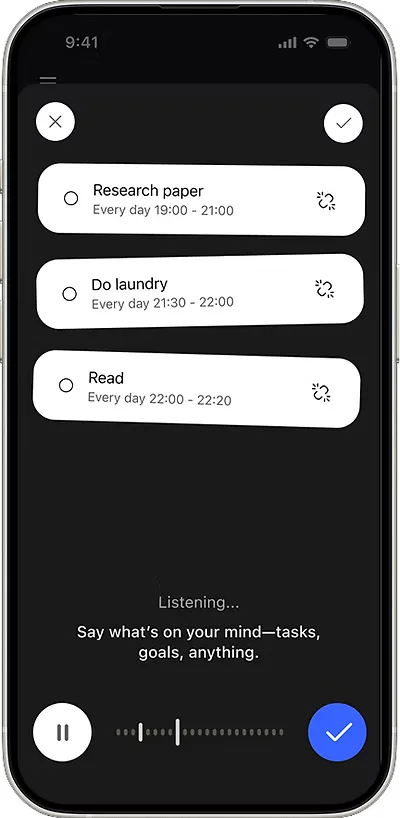
The NLP engine swiftly parses the user’s input and extracts key information into system-recognizable time fields.
Function 2
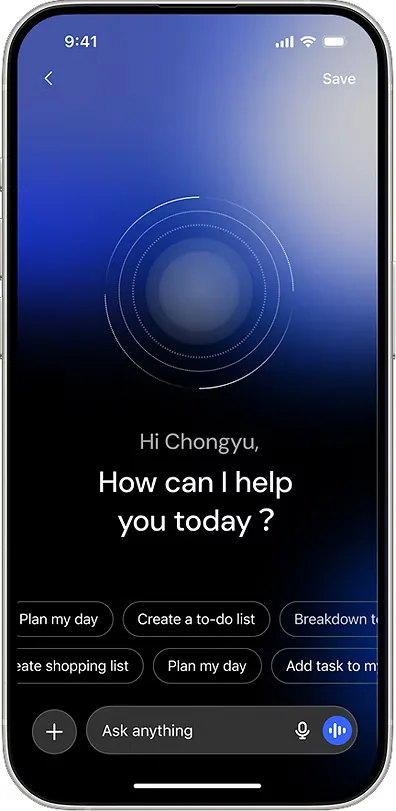
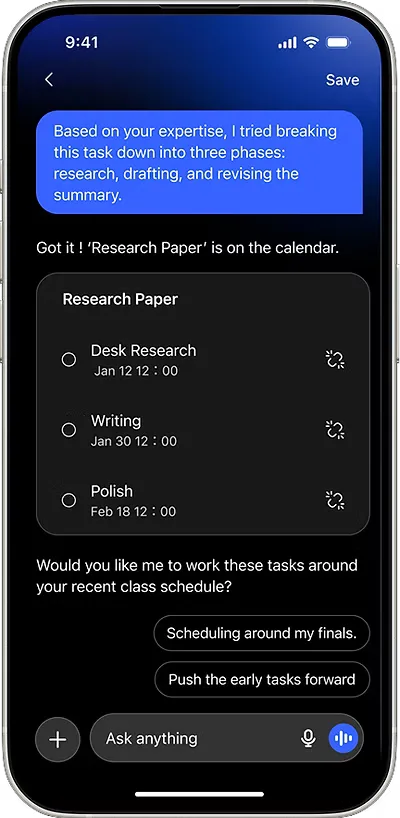
The system can rapidly break down tasks based on user presets and needs, helping users stay focused through task decomposition.
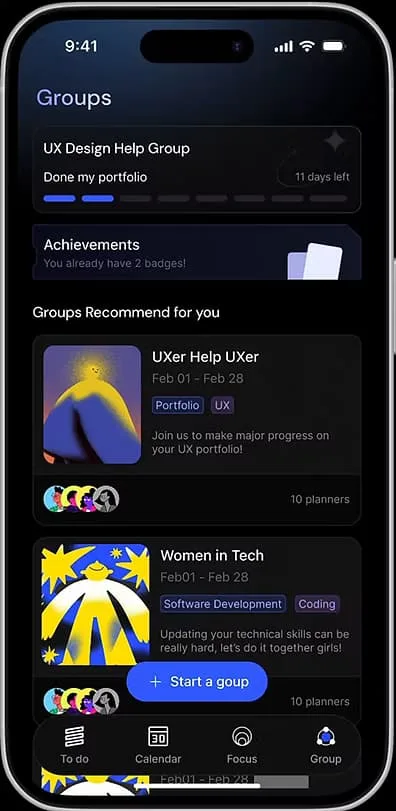
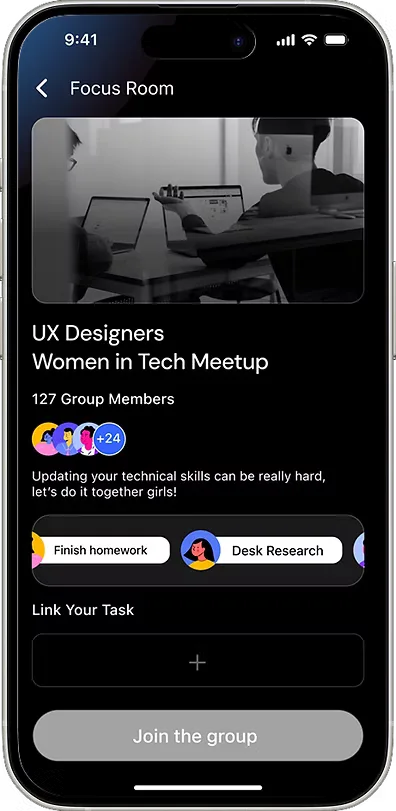
Function 3: Community
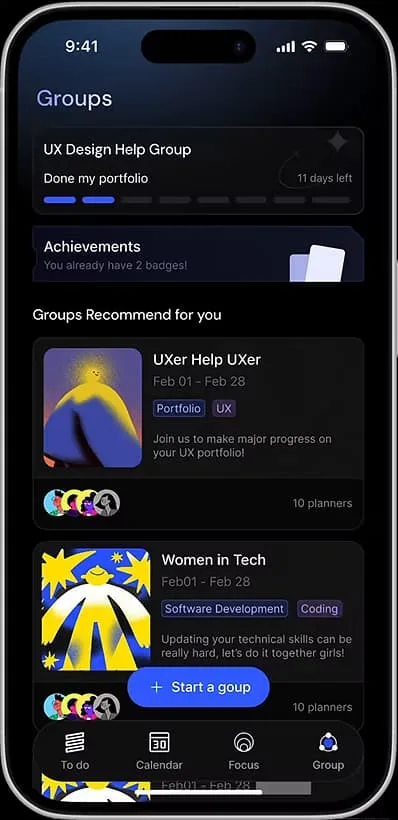
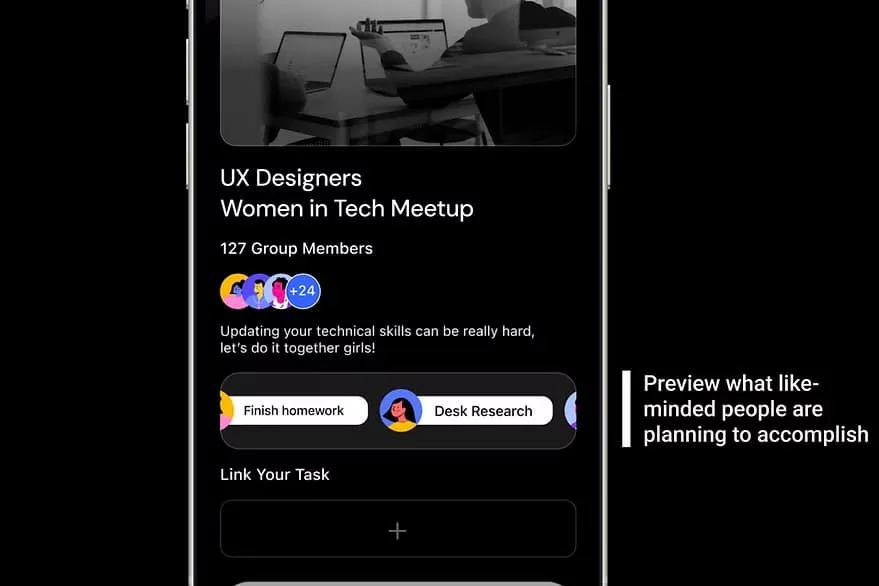
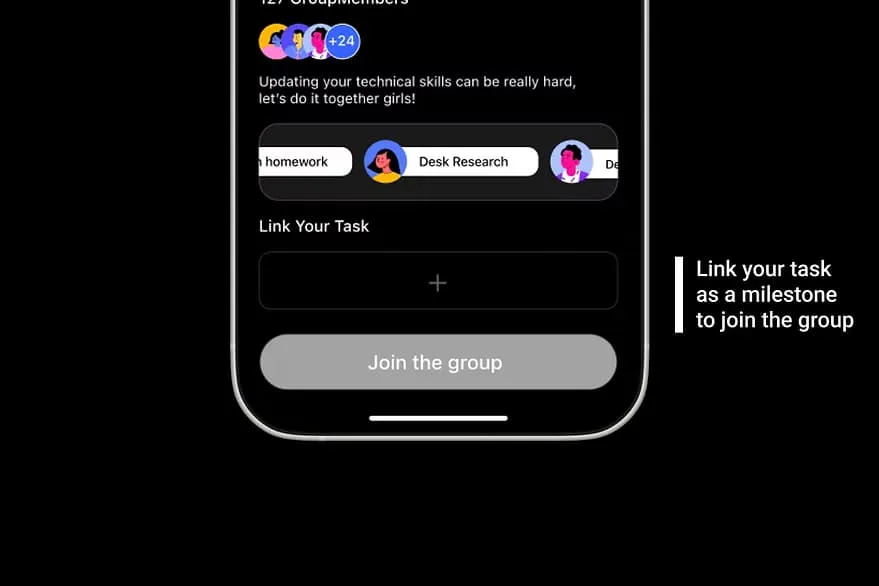
Based on your plan, the system recommends peers working on similar activities.
Function 4 · Work together
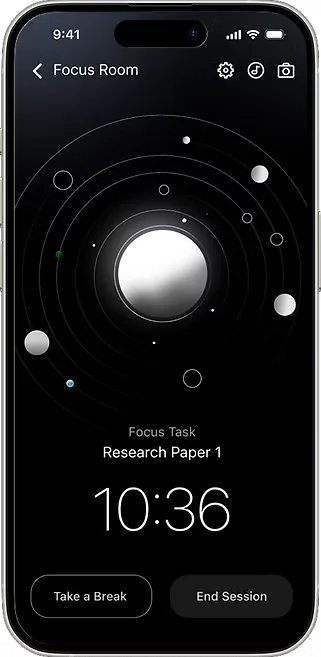
Choose a small task and start a focus session alongside your group. Presence without performance, no leaderboards, no pressure.
Function 5
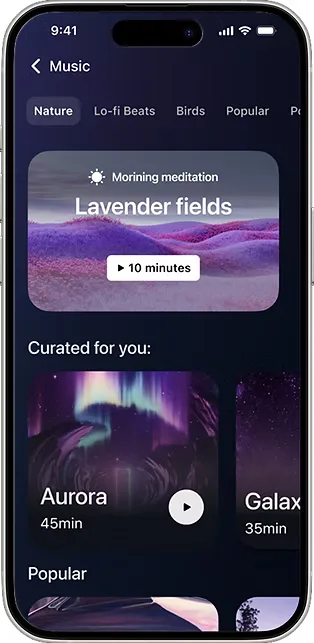
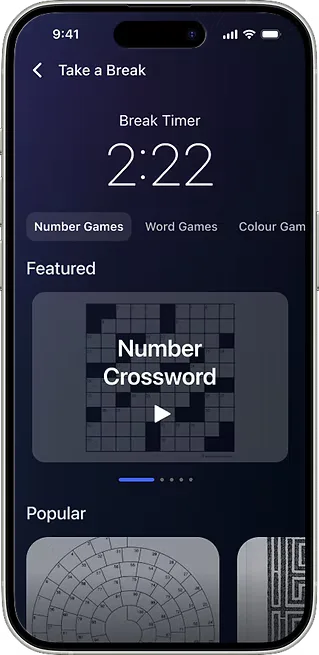
Powered by “Flow Arcade”, short cognitive resets (not endless scrolling) designed to help users return to focus, not abandon it.
Function 6 · Support
Group members can post photos and likes. Lightweight, human, and opt-in, not a metrics dashboard.
Function 7 · Reward
After each session, a non-punitive summary: how long you focused, how you compared, what moved forward. Motivation without shame.
Iterations
We ran five rounds of moderated usability testing (remote and in-person), with both design and non-design participants. Three areas drove the most iteration:
v1: AI input
Upfront questions to improve accuracy. Felt slow and friction-heavy.
v2: AI input
Confirm immediately, adjust over time. Less friction, more natural.
v1: Co-focus layout
All group tasks visible at once. Overwhelming, the opposite of the goal.
v2: Co-focus layout
Switch between list and single-task view. Respects different working styles.
Reflection
Grounding every design decision in actual research (sustained attention limits, multitasking myths, the psychology of streak loss) made our decisions defensible and our critique of competitors sharper. It changed how I think about the “why” behind every interaction pattern.